Stop typing part numbers. Just take a picture.
You have shelves of spare parts. Digitizing them usually means standing in an aisle, trying to identify unmarked components, and typing out long serial numbers by hand. It's slow, tedious work.
EasyParts is the antidote. Walk down the aisle with your phone, snap a photo of the part, and move on. The AI does the heavy lifting, building your spreadsheet automatically.
No credit card · No app download · No IT approval needed.
EASYPARTS
Snap the part.
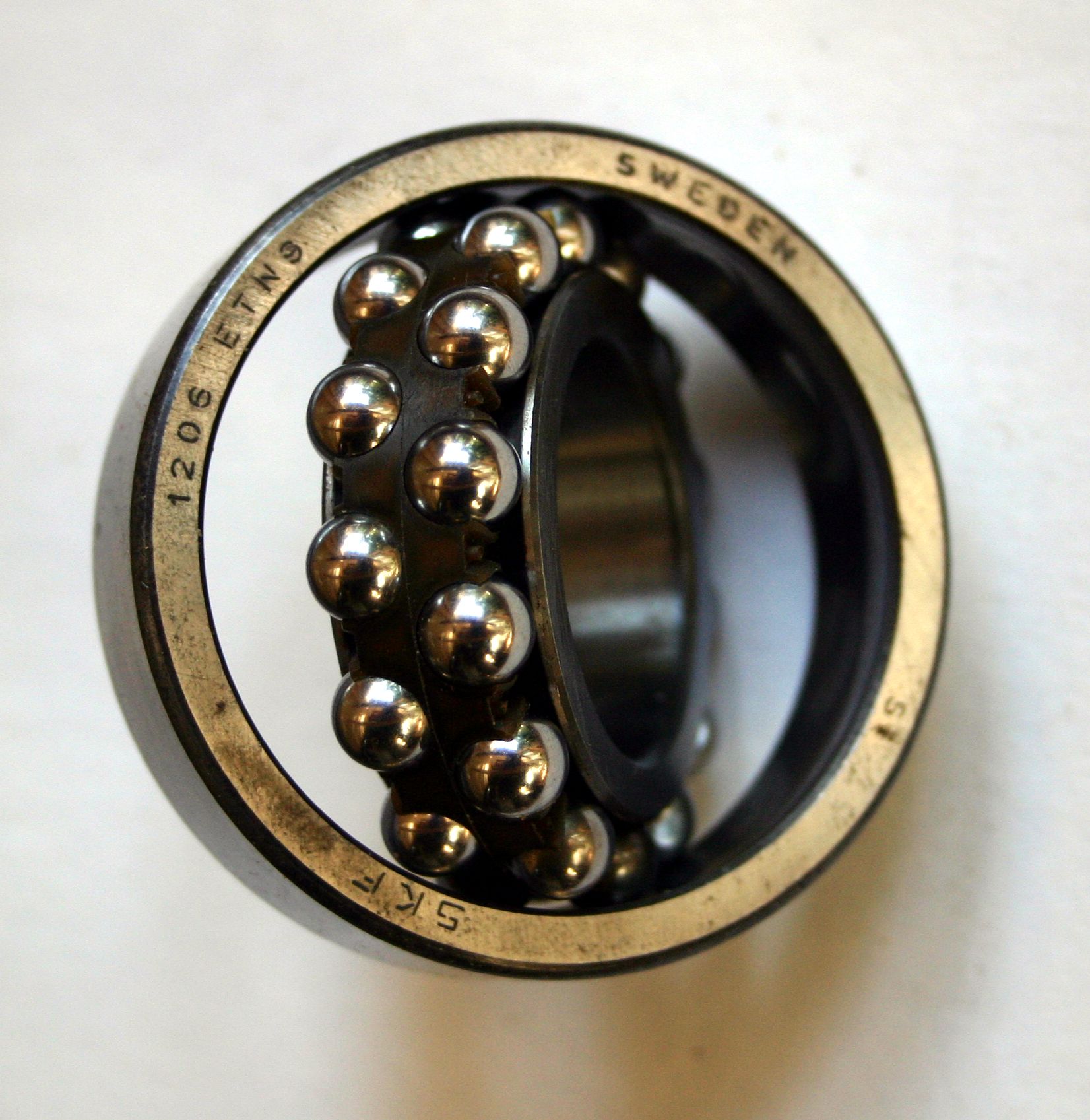
Get a close-up of the nameplate if there is one.
Waiting for scan…
Waiting for first scan…
How it actually works
Most inventory software is complicated.
EasyParts just acts like a smart camera that connects straight to your desk.
Point, shoot, move on.
Even offline
Open EasyParts on your phone. Snap a picture of the part. If there's a nameplate, grab a close-up of that too. Hit Save. That's it. You don't wait for loading bars, and you don't type a single letter. Moving through a dead-zone in the warehouse? It queues offline and syncs the second you hit Wi-Fi.
The AI recognizes the part.
Even greasy 1982 nameplates
Unmarked brass fittings. Custom-machined rods. Greasy nameplates from 1982. The vision AI looks at the shape of the item, reads any available markings, and extracts the Brand, Part Number, and Specifications automatically. It types so you don't have to.
Review at your desk.
Keyboard-first, mouse optional
Back at your computer, open your inbox. It's a lightning-fast screen where you can see everything you (or your coworkers) scanned today. Use your keyboard to fly through the list, verify the photos, and hit ⌘ Enter to approve them into your official catalog.
No apps to download.
No IT approval needed
Getting a new app approved by IT is a headache. EasyParts runs perfectly right inside your phone's web browser. Just go to the website, log in, and start scanning. No App Store, no updates, no waiting.
Export to whatever you use.
CSV, Excel, SAP, Maximo, Fiix
We don't hold your data hostage. When you're done, click one button to export a perfectly formatted CSV or Excel file, complete with image links. Drop it into your maintenance software, or just keep it in Excel. EasyParts isn't trying to replace your CMMS — it's fixing the data going into it.
Secure and private.
Enterprise-grade, always
Your inventory data is nobody's business but yours. We use enterprise-grade cloud security to keep your workspace completely locked down. Your photos and spreadsheets are isolated solely to your team, and we never sell your data.
Before you ask
With EasyParts, the answer is absolutely YES.
Can it read greasy, scratched, or 20-year-old nameplates?
Can it identify a part just from its shape, even without a label?
Can it work in the back of the warehouse where there is zero Wi-Fi?
Can I use it on my own phone without having to get IT to approve an app?
Can my coworkers and I all scan parts in different aisles at the same time?
Can I see a photo of every single part right next to its specs?
Can I edit the AI's description before it goes into the final catalog?
Can I export everything to a simple Excel spreadsheet?
Can I upload the data directly into SAP, Maximo, or Fiix?
Can I skip typing out 15-digit OEM serial numbers forever?
No credit card. No app download.
Pricing
Simple pricing. One flat rate.
We don't hide our prices, and we don't charge per user. Invite anyone who helps you scan for one flat monthly price.
The Test Drive
See if it works for your stockroom.
- Up to 1,000 part captures
- Full AI extraction
- Desktop review & approval inbox
- CSV & Excel export
The Workspace
One flat price for your whole team. Invite anyone who helps you scan.
- Unlimited parts
- Unlimited users
- Export everything, anytime
- Cancel anytime
- Your data is always yours
Cancel anytime. Your data is yours — always.
Stop typing.
Get back to work.
Your first 1,000 parts are free. No credit card. No app download.
Just open the website, take a photo, and watch the AI work.
No spam. No sales calls. Just an invite when we're ready.